BUYING GUIDE / CONNECTION NOTES
USB-C Power Tables: Read More Than the Wattage
A charger's largest wattage is only the start. Your device needs a supported output profile, a suitable cable and enough power on the port combination you actually use.
Match the profile to the device
Read the device maker's charging requirements and the charger's output table. Voltage multiplied by current gives the listed power at a profile. For example, 20V × 3A is 60W. That is arithmetic from a profile, not a measurement of battery charging speed.
USB Power Delivery negotiates supported power between devices. A 140W or 240W label does not mean every connected laptop receives that amount, and a generic PD claim does not establish every optional charging feature. Check specific profiles or PPS requirements where the device calls for them.
Read the table for occupied ports
Find the row corresponding to the ports you intend to occupy. Single-port maximum, total output and simultaneous per-port output answer different questions. Port labels such as C1 and C2 matter when the outputs are asymmetric.
Do not divide a charger's total equally by the number of sockets. Some arrangements allocate a larger budget to one port, and some change when another device is connected. Read the manufacturer's policy on redistribution and interruptions rather than assuming an uninterrupted supply.
Put the hub's reserve between input and laptop
Anker A8383 specifies up to 100W into the hub and 85W out to the laptop. If the laptop's documented requirement exceeds that output, buying a larger wall charger does not establish that this hub will deliver more than its own stated ceiling.
Read a product's detailed host-output table instead of a pass-through headline. Also check whether the upstream laptop port accepts USB-C charging at all. A proprietary charging requirement is not solved by the presence of USB-C elsewhere on the computer.
Use a charging-path worksheet
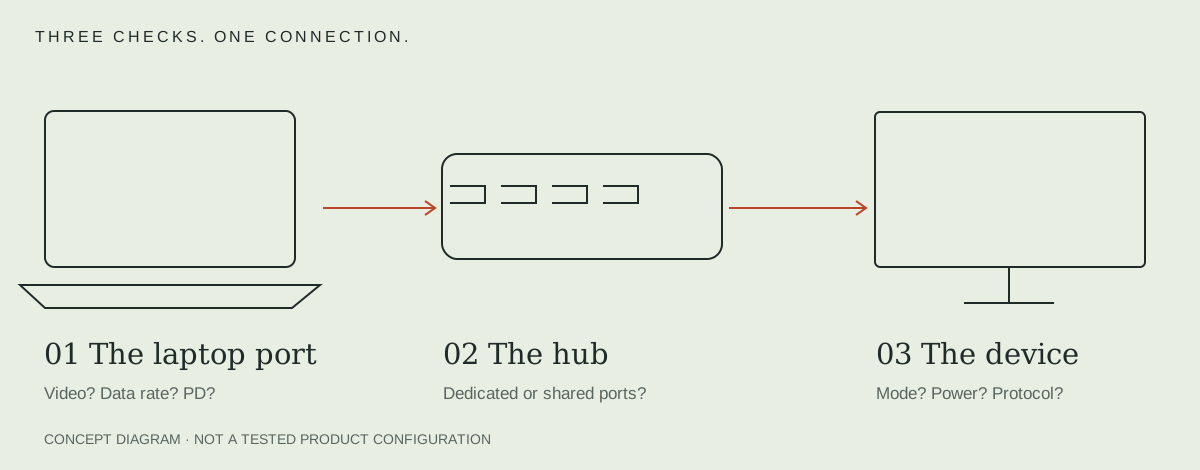
Write: wall charger and occupied-port row → charger cable rating → hub input ceiling → hub host-output ceiling → laptop requirement. Any missing compatibility condition stays unresolved; subtracting an assumed reserve is not a substitute for a published limit.
See single-port versus multi-port charging for arranging several devices, and the cable checklist for the next condition in the path.
PD, PPS and EPR answer different questions
| Term | Meaning for the purchase | Do not infer |
|---|---|---|
| USB PD | Negotiated power between supported devices | Every voltage/profile or a fixed charging speed |
| PPS | A programmable supply mode with a supported range | Support from the PD label alone |
| EPR / higher-power profiles | Additional supported ranges above the older 100W scope | That the laptop, hub or cable accepts the maximum |
| GaN | A power-electronics technology used in some chargers | A charging protocol or proof of temperature/safety performance |
USB-IF distinguishes fixed and programmable sources; its PD overview describes the expanded power range. Check the actual listed voltage/current combination, supported range and cable. Do not treat a total-watt label as the full protocol table.
Can a 100W charger serve a 65W laptop?
A higher rated ceiling does not mean that power is forced into the laptop. The useful question is whether the laptop and supply share a supported voltage/current profile with an appropriate cable, including the chosen multi-port allocation. A hypothetical 20V × 3.25A profile equals 65W; that arithmetic is not proof that either product offers it.
A 65W supply may be inadequate for a laptop’s intended workload even if it connects, while a 100W supply through an 85W-host-output hub still has that hub limit. For a Windows charging error, use the manufacturer’s documented USB-C checks and the exact laptop requirements. Compare the model-level charger tables after identifying the shared profile.
When Ethernet and charging must share a port, check the Ethernet adapter comparison. Keep the exact host and required task in the decision.
For the cable segment, compare power, data and video ratings on named cables.
If one port must support a headset and charging, check the audio-plus-charging arrangement and headset jack requirements.
Sources & scope
Published specifications and standards explain possible capabilities. They do not verify a complete combination of your computer, cable, adapter and peripheral. No physical product test is claimed.